PL/SQL Enterprise Workbench
Overview
Xross Technology
Download
Pricing
Preferences
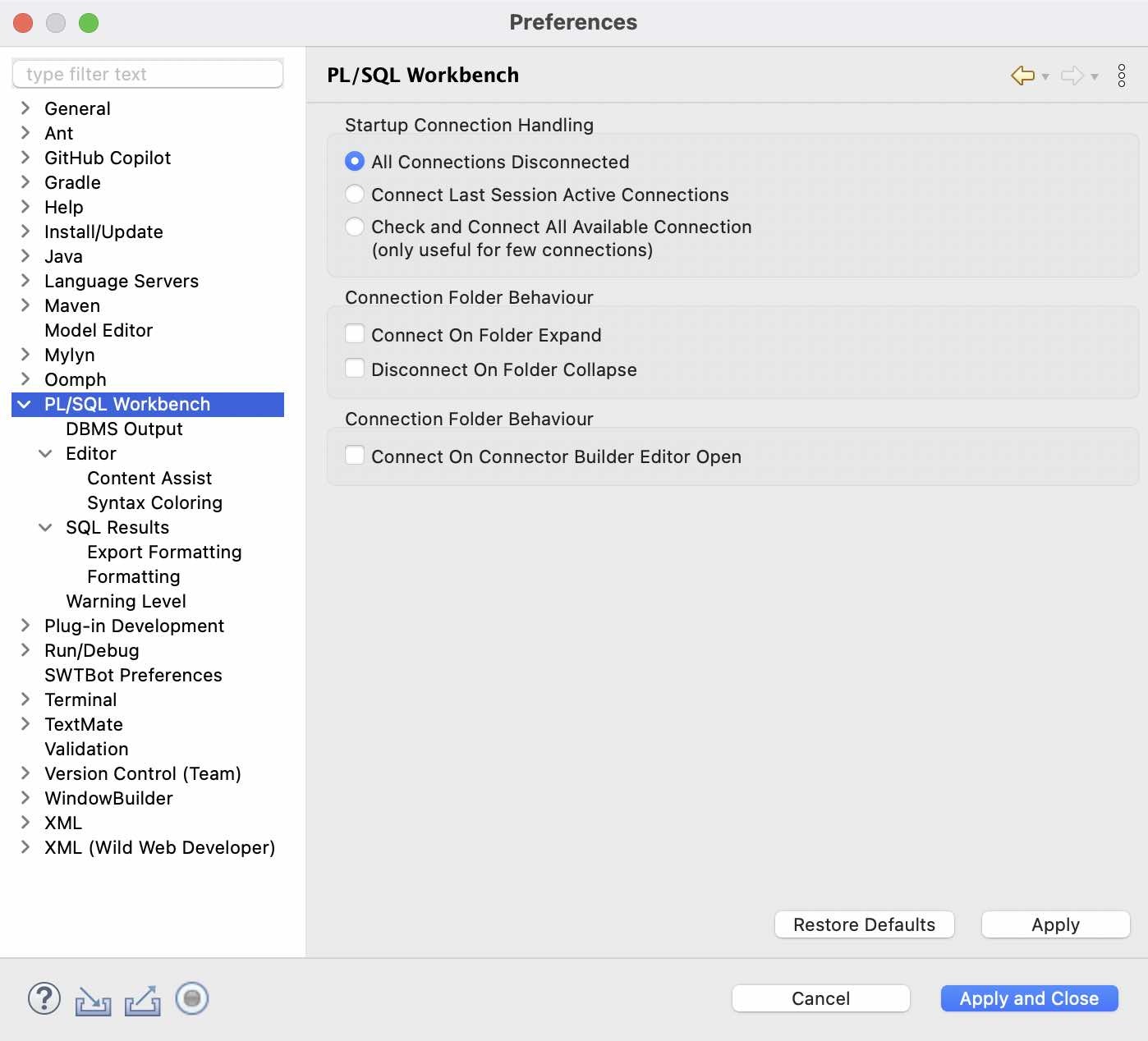
Workbench (1/9)
- Configure overall workbench behavior and defaults.
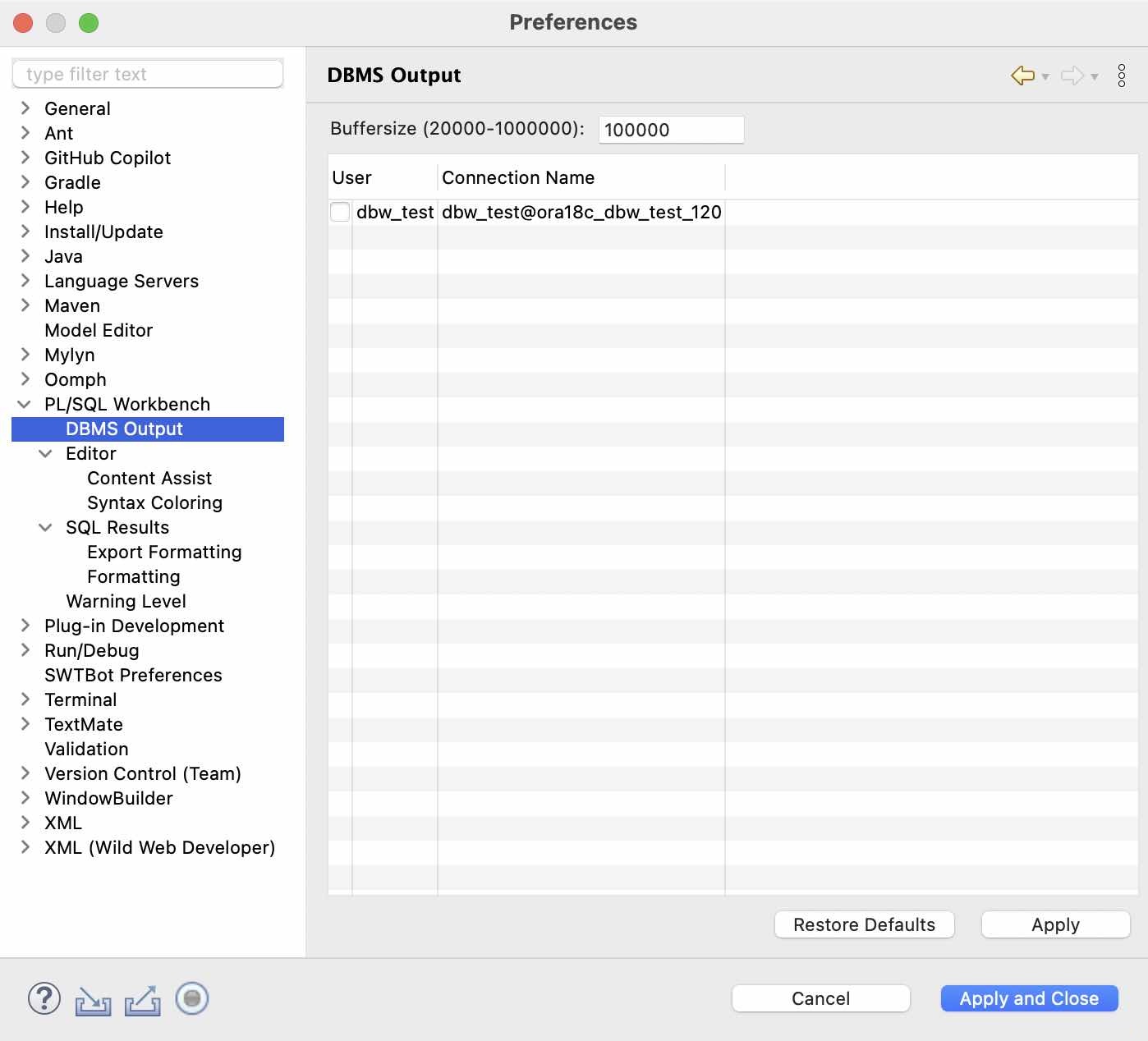
DBMS Output (2/9)
- Configure capture and display options for server output.
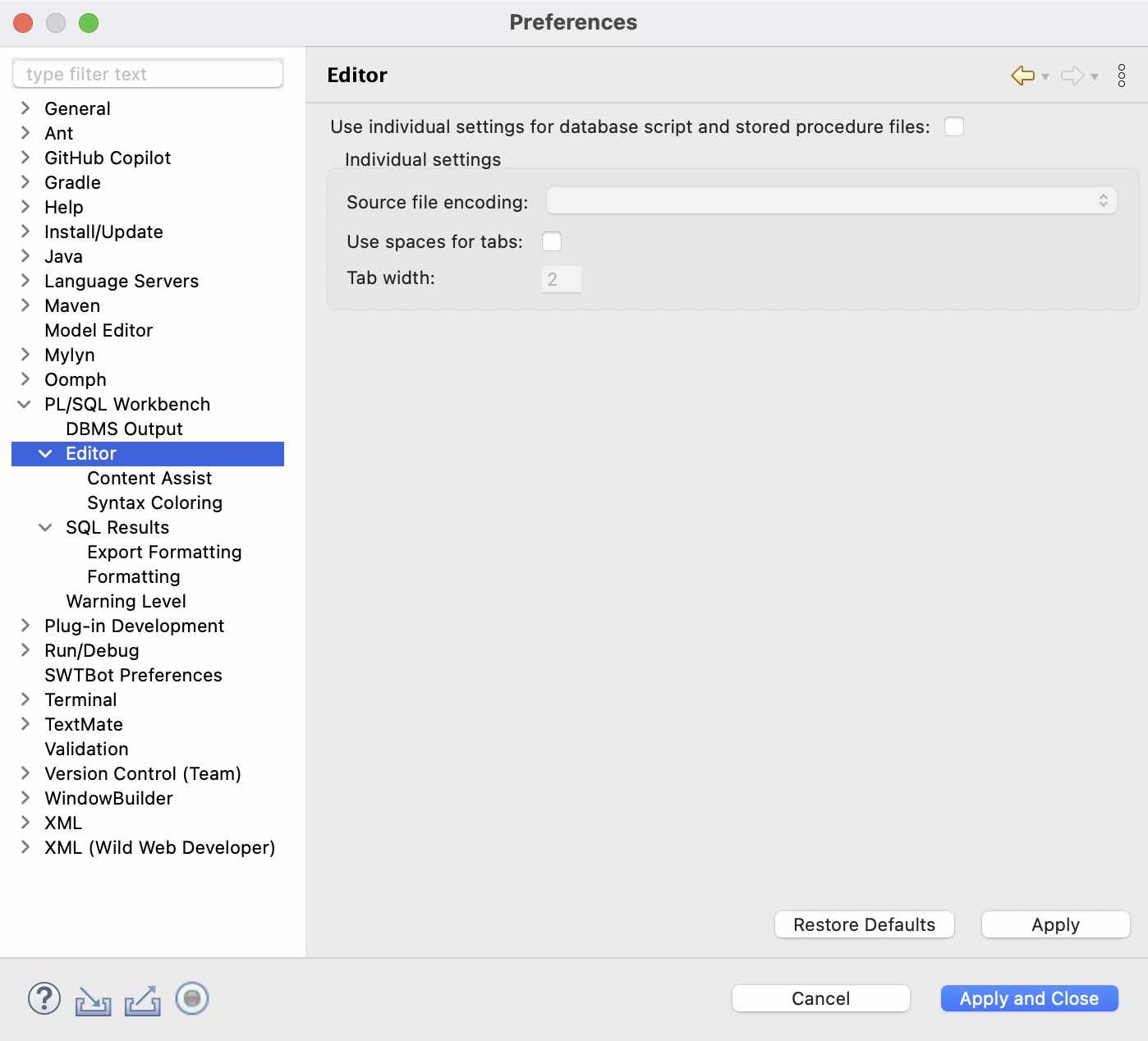
Editor (3/9)
- Tune the editor for SQL and PL/SQL development.
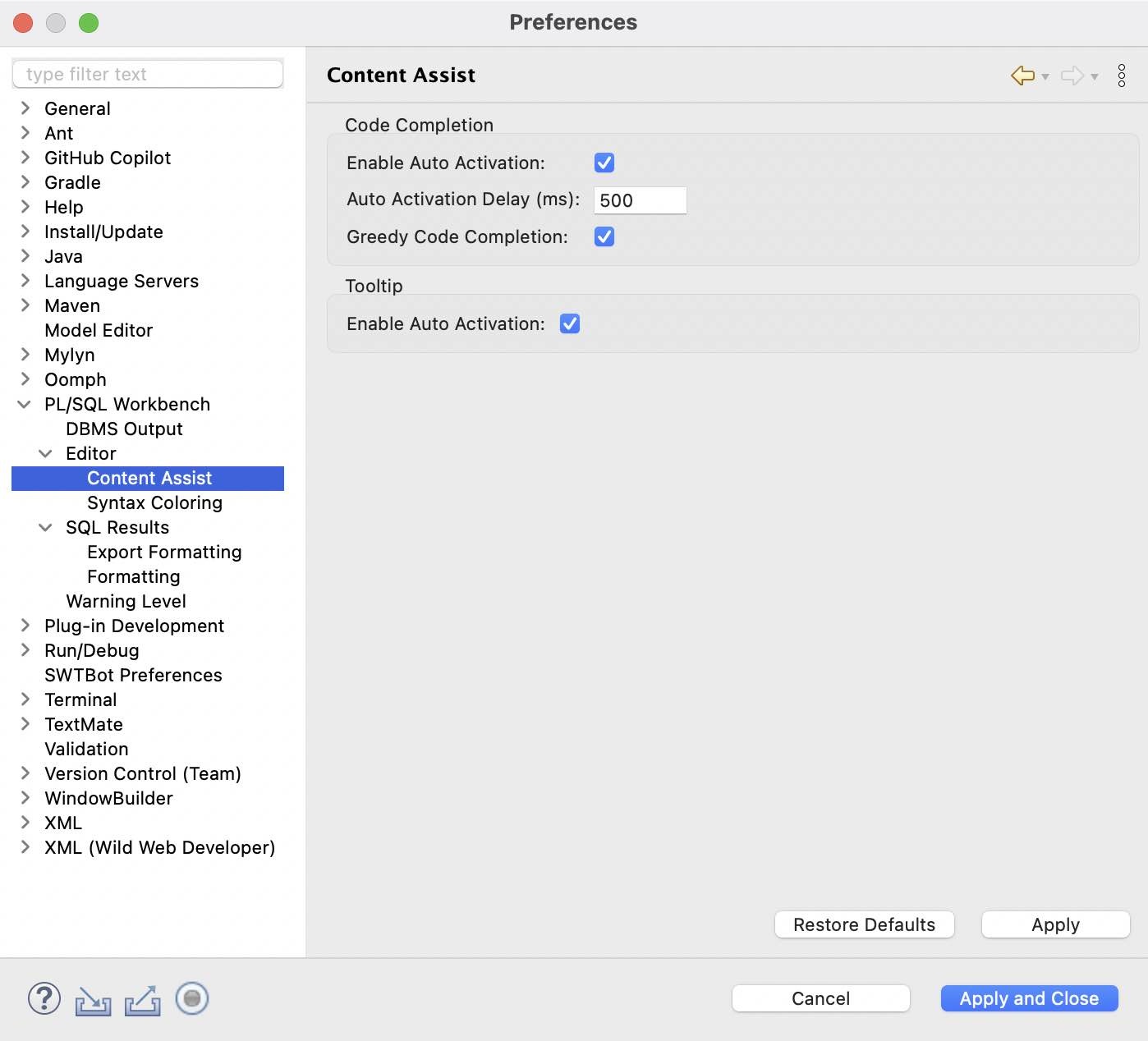
Content Assist (4/9)
- Control completion proposals, sorting, and auto-activation.
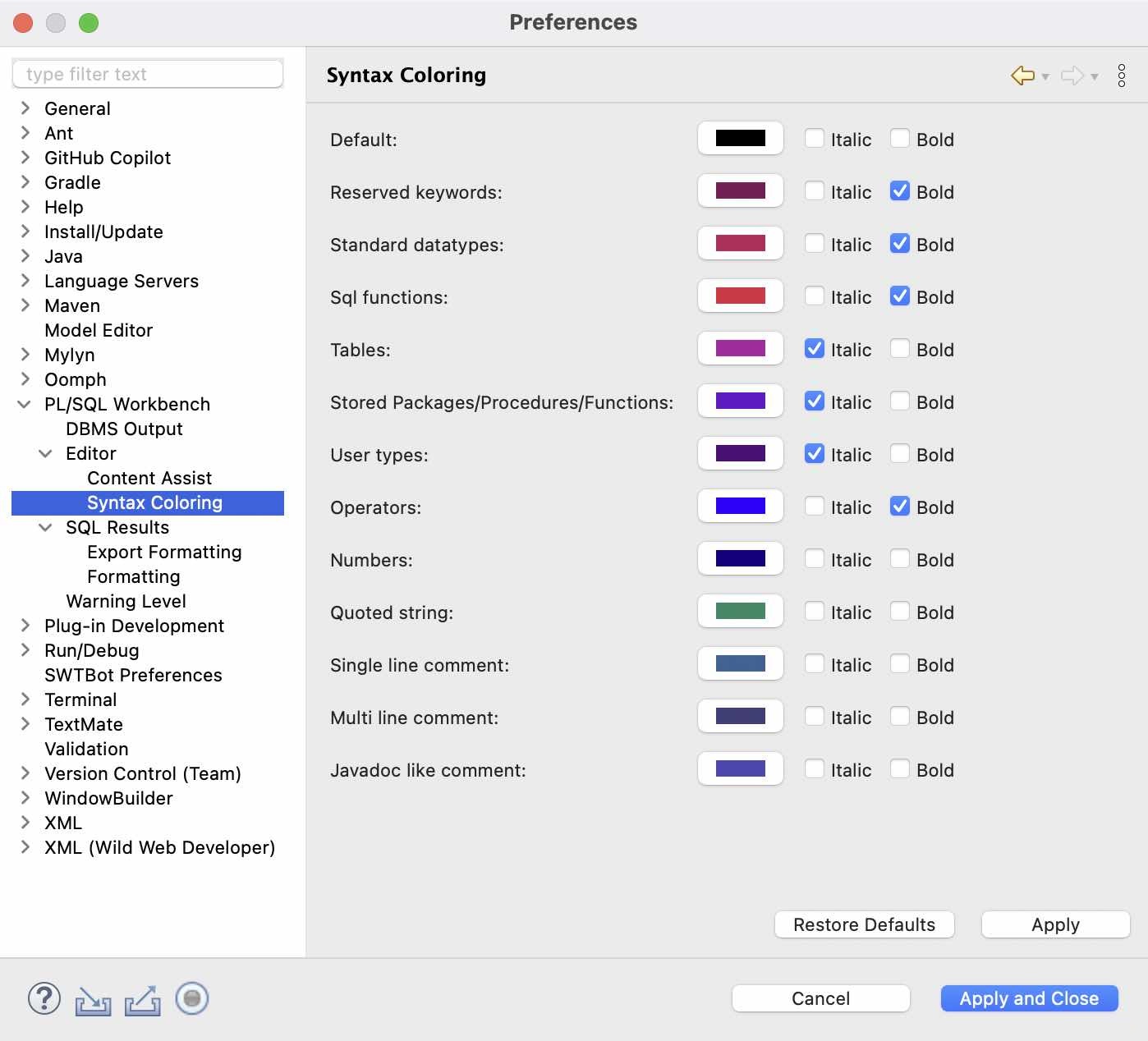
Syntax Coloring (5/9)
- Adjust colors and styles for a clear, readable code view.
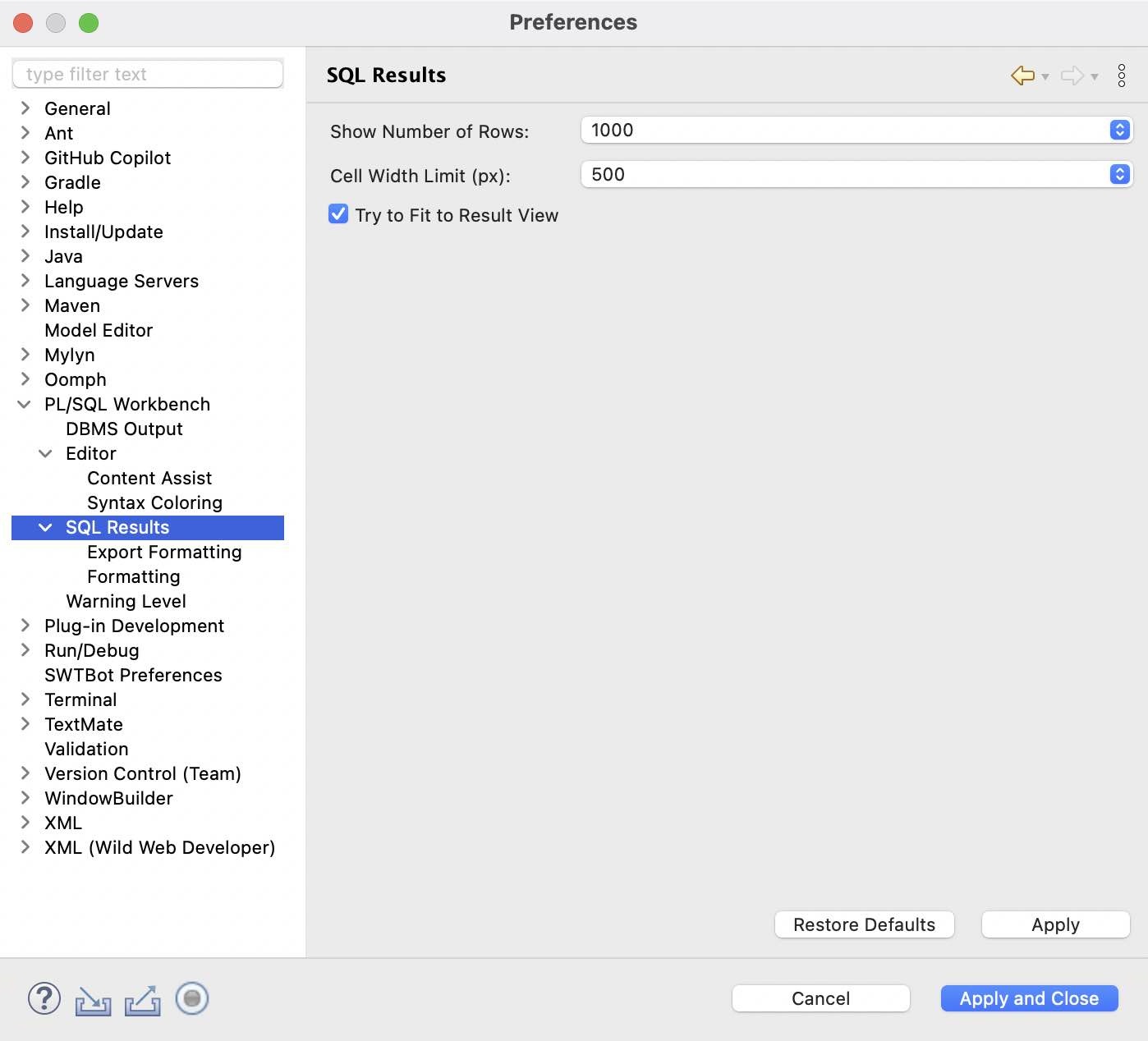
SQL Results (6/9)
- Configure result grid behavior, limits, and display options.
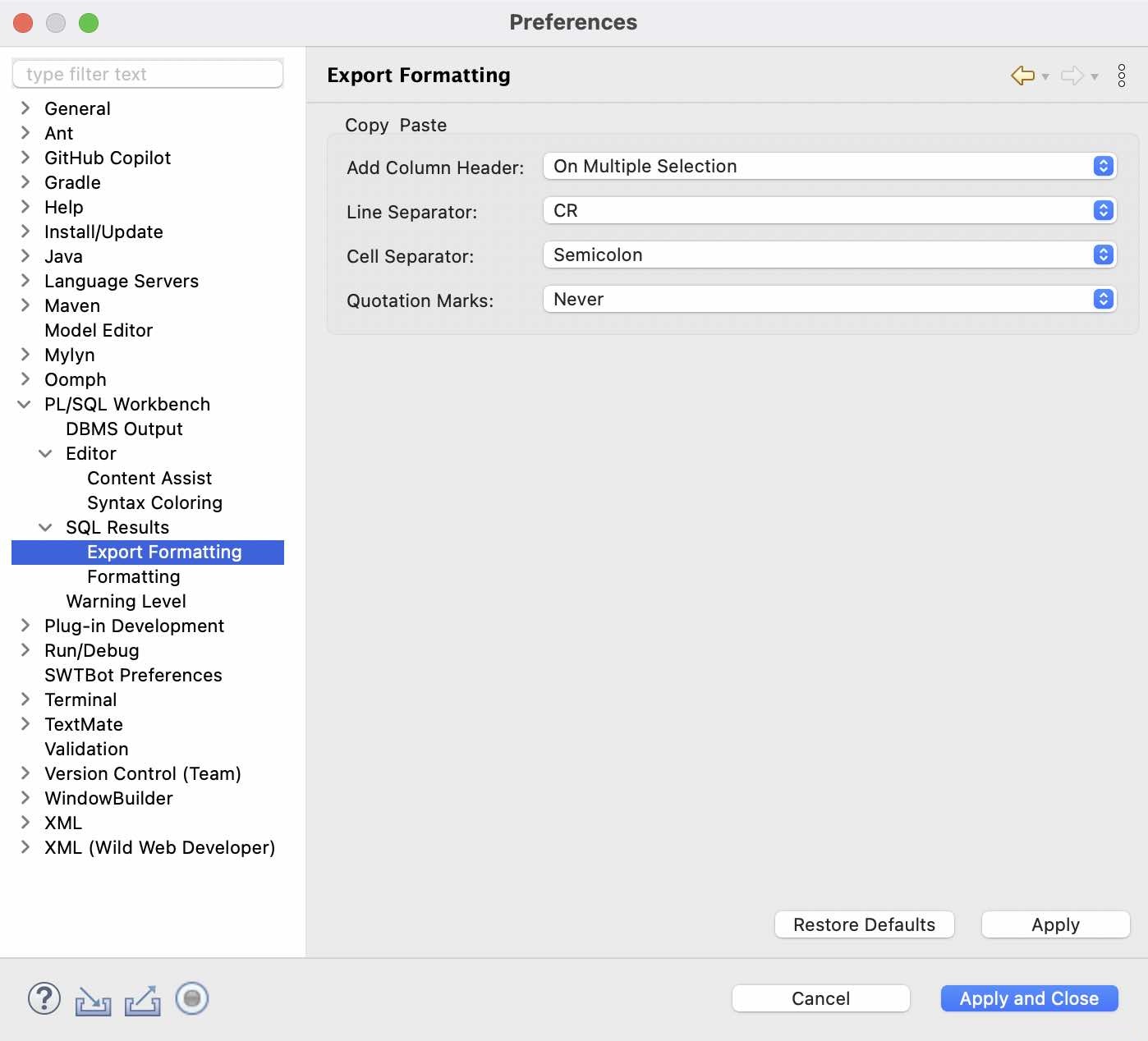
Export Formatting (7/9)
- Control how results are exported (CSV/text) for downstream use.
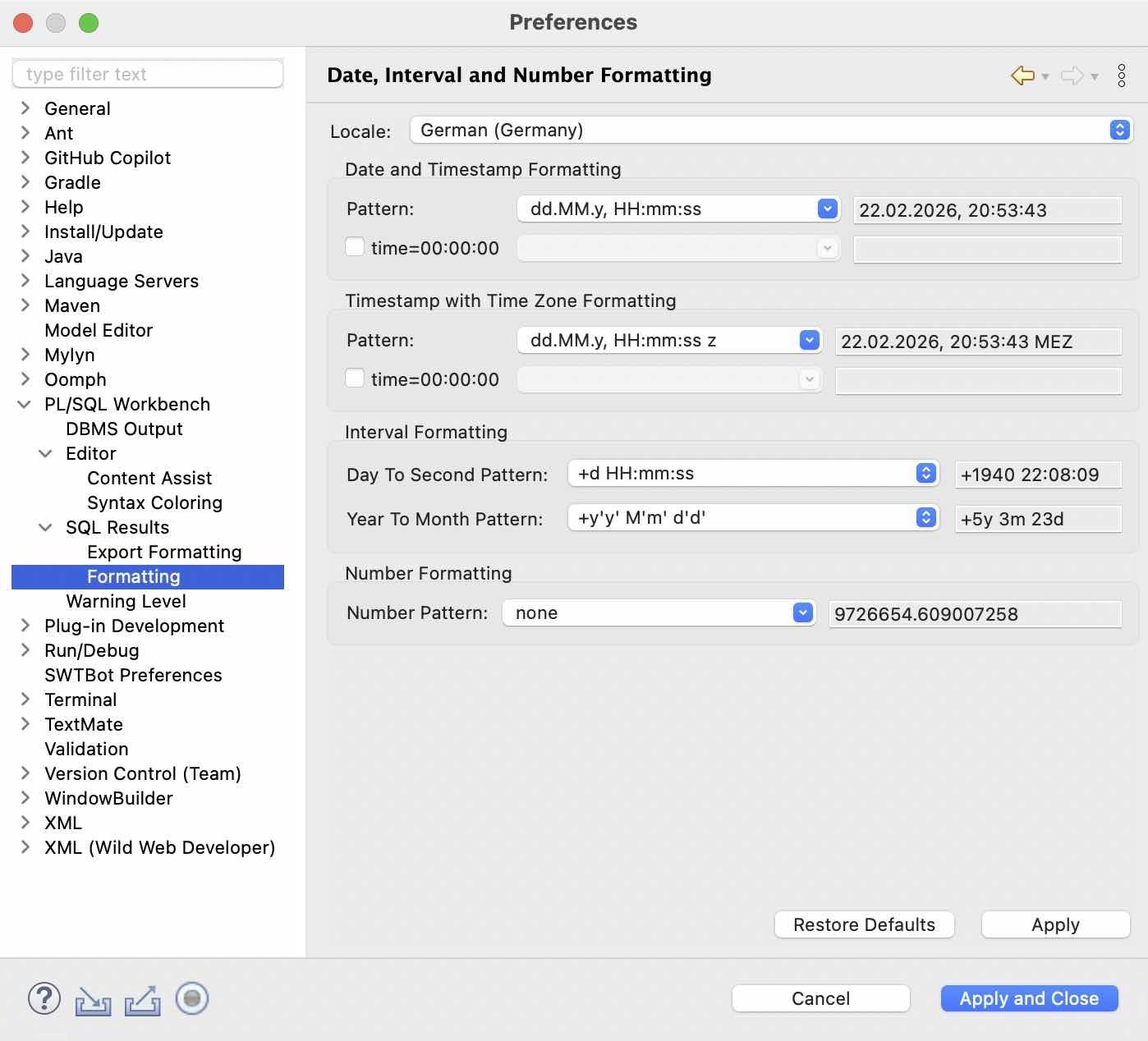
Formatting (8/9)
- Define formatting rules to keep SQL consistent and readable.
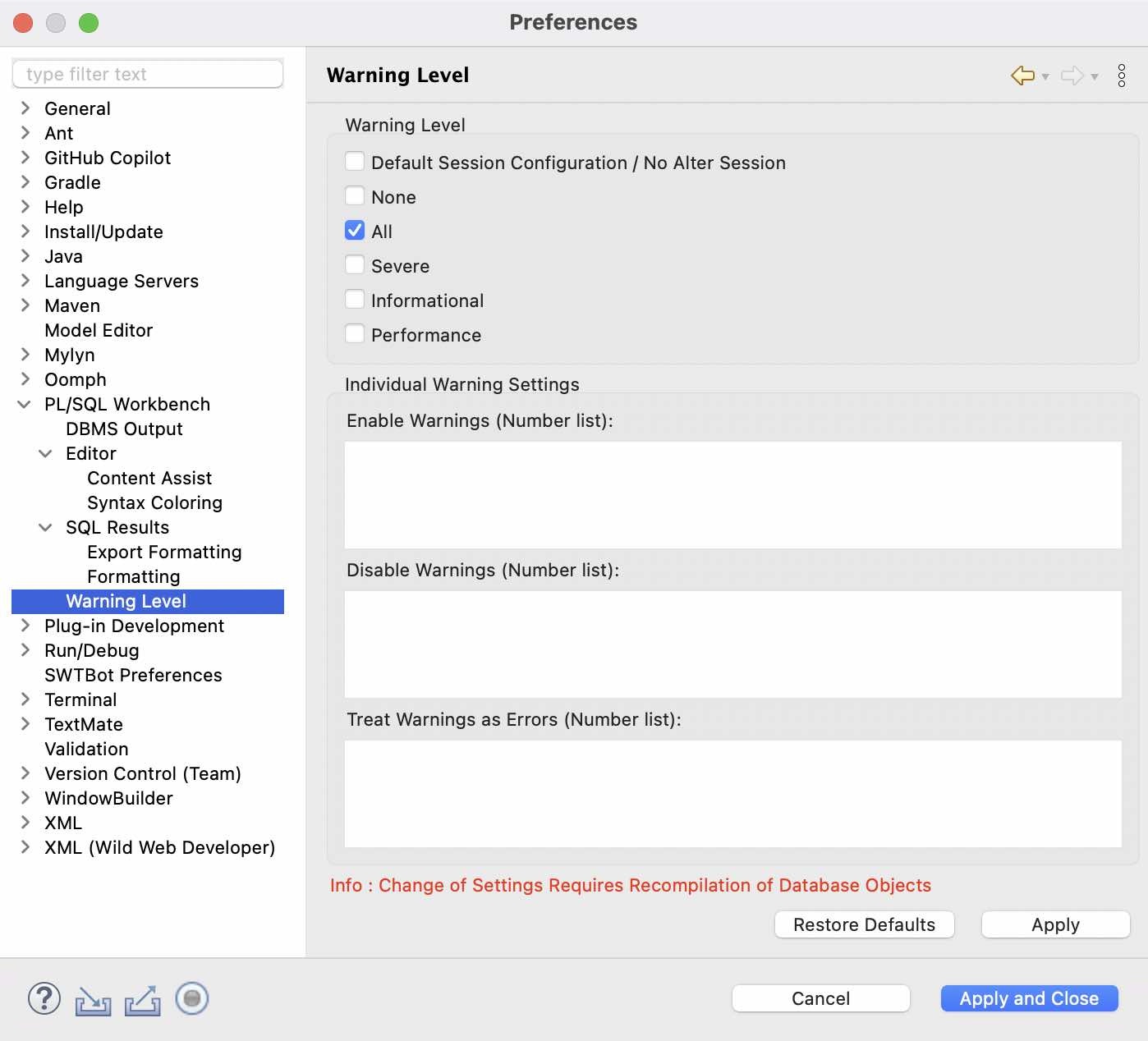
Warning Level (9/9)
- Fine-tune PL/SQL compiler warnings to match your standards.
Previous
Next